Why most AI ad creative underperforms
Most disappointing results from AI ad creative trace back to the same root cause: the tool was used like a novelty rather than like a production process. A designer wouldn't ship the first sketch they drew, and a media buyer wouldn't launch a single untested creative and call it done — the same discipline applies here, it just moves faster because generating options is nearly instant. The six practices below are less about the AI tool itself and more about treating its output the way you'd treat any other creative in a paid campaign: as a hypothesis to test, not a finished decision.
The six practices
1Write prompts as briefs, not descriptions
A description states what's in the frame — "a bottle of serum on a marble counter." A brief adds why it's shot that way — the light, the mood, the story the composition tells. "A bottle of serum on a wet marble counter, morning light through a window, condensation on the glass, quiet and clean, like the first five minutes of a routine" gives the model something to actually build toward, and it consistently produces more usable output than a bare object description.
2Generate in batches and compare, don't generate one and accept it
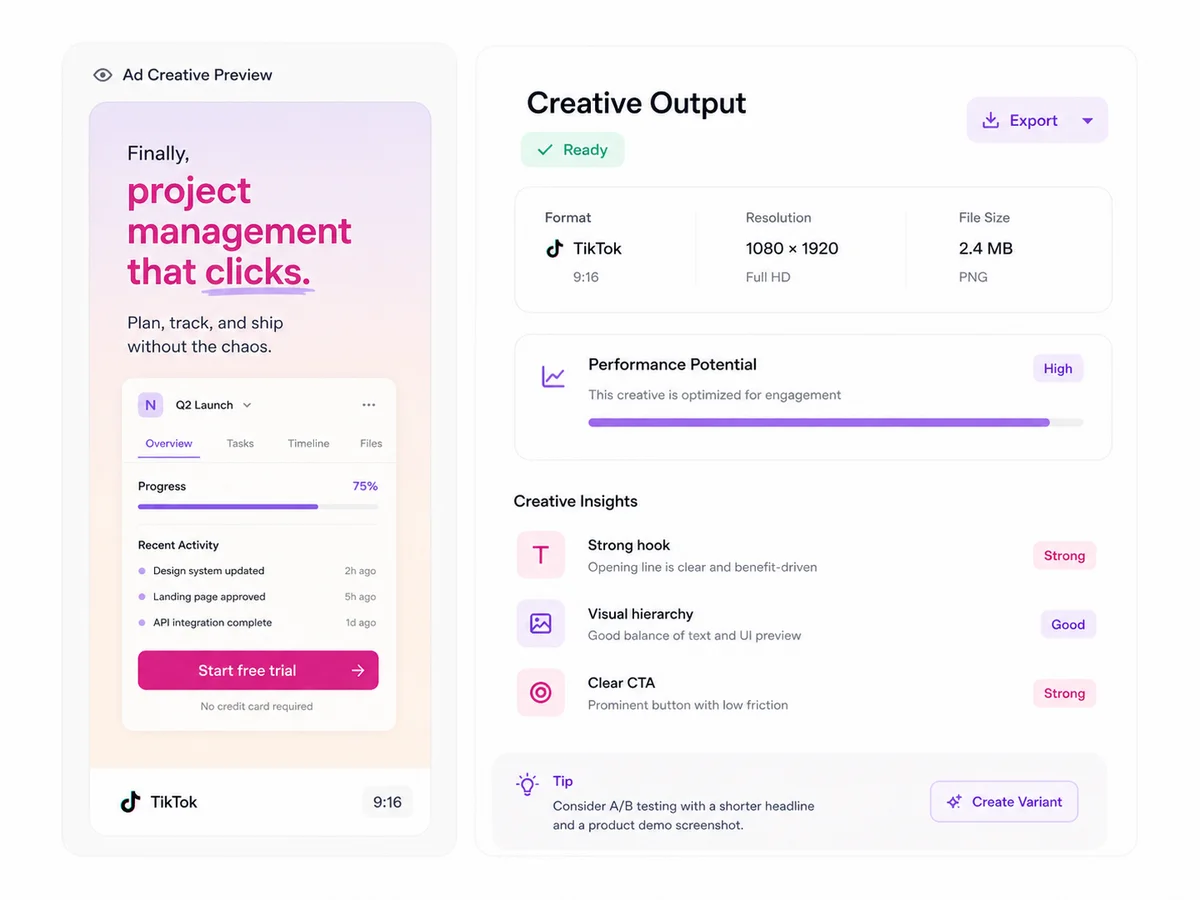
Because output has real variance run to run, judging a prompt from a single result is close to judging a headline from one impression. Generate a batch, lay every result out together, and pick from the batch rather than accepting or rejecting the first thing you see. This alone fixes most of the "AI creative doesn't look good" complaints — the tool was producing good results all along, they just weren't the first one.
3Design for the hook, not the whole frame
On Meta and TikTok, the decision to keep watching or scroll past happens in roughly the first second. Put the effort into what's happening in that first frame — motion, contrast, an unexpected detail — rather than spreading equal attention across a frame most viewers will never really look at past the opening beat. When you're reviewing a batch, ask which one wins the first second before you ask which one is the prettiest overall.
4Match the prompt to the placement from the start
A prompt written with a square, centered composition in mind will crop badly to a vertical placement, and a vertical, edge-to-edge composition will feel cramped when forced into a square. Decide the placement — feed, Stories, Reels, TikTok — before you write the prompt, and describe the composition accordingly, rather than generating one version and reshaping it for every ratio afterward.
5Let performance data decide the refresh cadence, not a calendar
Creative fatigue shows up in the data before it shows up in your gut feeling about an ad — frequency climbing, click-through drifting down, cost per result creeping up on a creative that used to perform. Watch those numbers per creative rather than refreshing everything on a fixed weekly schedule; some creative holds up for a month, some fades in days, and the data will tell you which is which faster than intuition will.
6Keep a swipe file of what actually converted
Every batch you generate produces a few outputs that don't get used for the current campaign but are still good. Save them, along with the prompt that produced them and how the launched version performed, in one place. Over a few months this becomes a genuinely useful reference — a record of which angles, lighting styles, and compositions your specific audience has actually responded to, instead of starting every new prompt from a blank page.
A quick pre-launch checklist
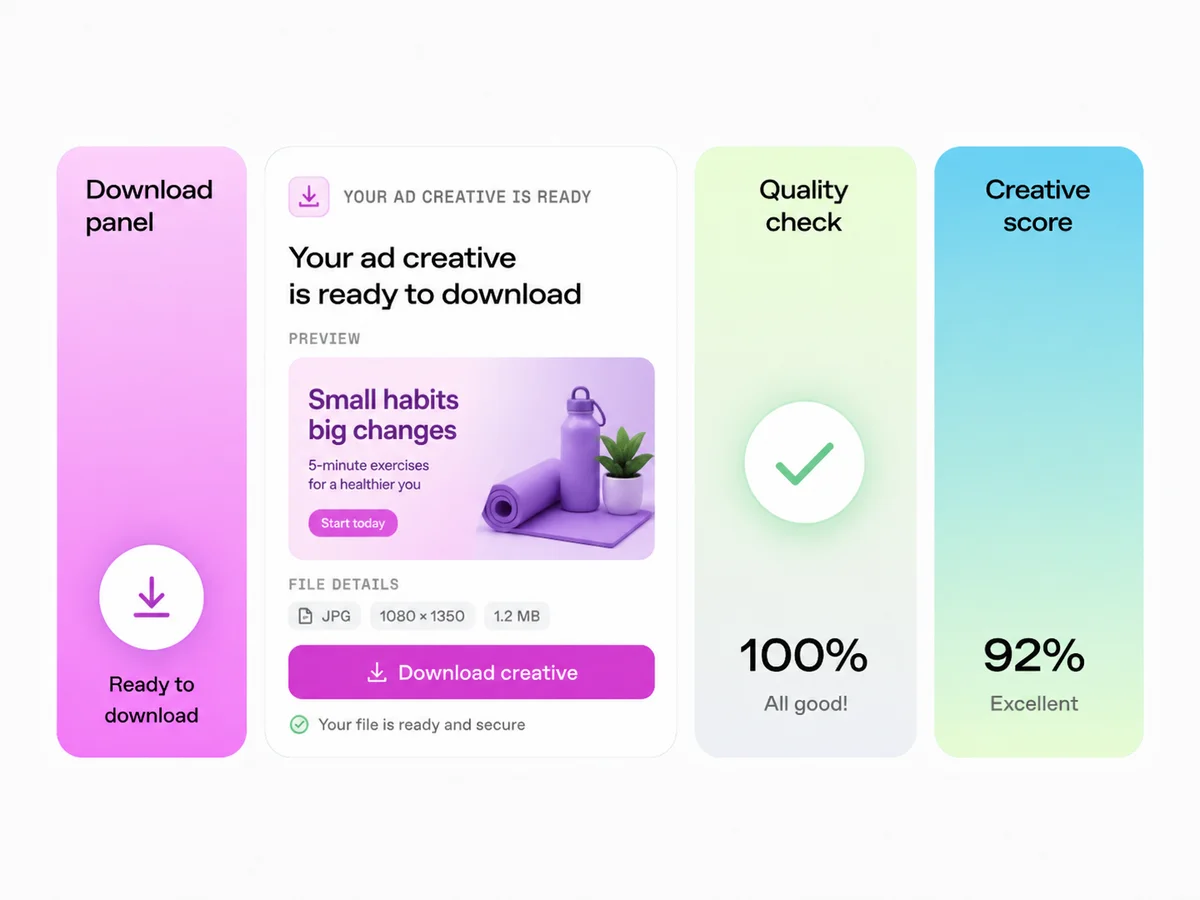
Before a batch of AI-generated creative goes live: confirm the on-image text is legible at feed size and doesn't collide with platform UI, confirm every placement's aspect ratio is covered, confirm you know which single variable this test is isolating, and confirm you've generated more than one image per direction rather than shipping the first result. None of these take more than a minute, and skipping them is where most of the avoidable underperformance comes from.
Where this fits alongside everything else you do
None of these six practices are unique to AI-generated creative — they're the same discipline good performance marketers already apply to any creative process. What changes with AI is the cost of following them: testing five directions used to mean five separate design requests, and now it means five prompts. Tryatria is built around this exact loop — write a brief-style prompt, generate a batch, export every ratio you need — so the practices above map directly onto how the tool actually works.