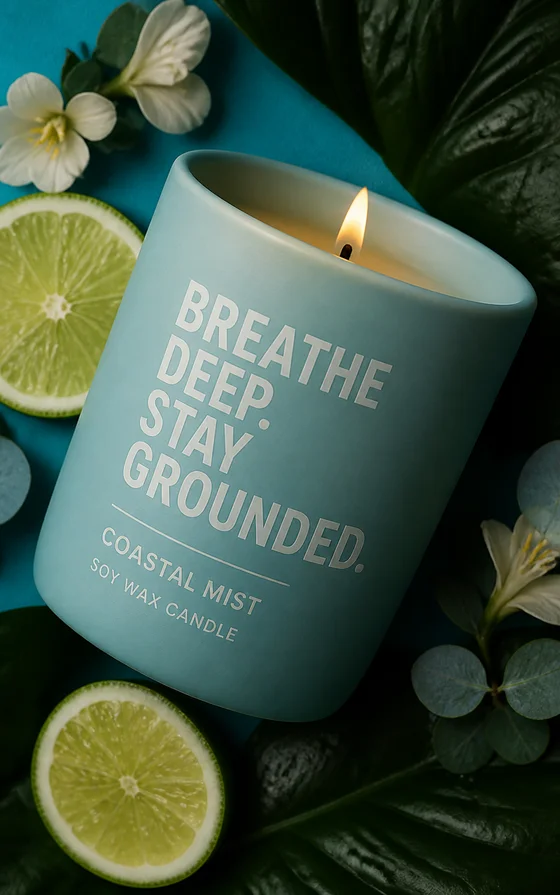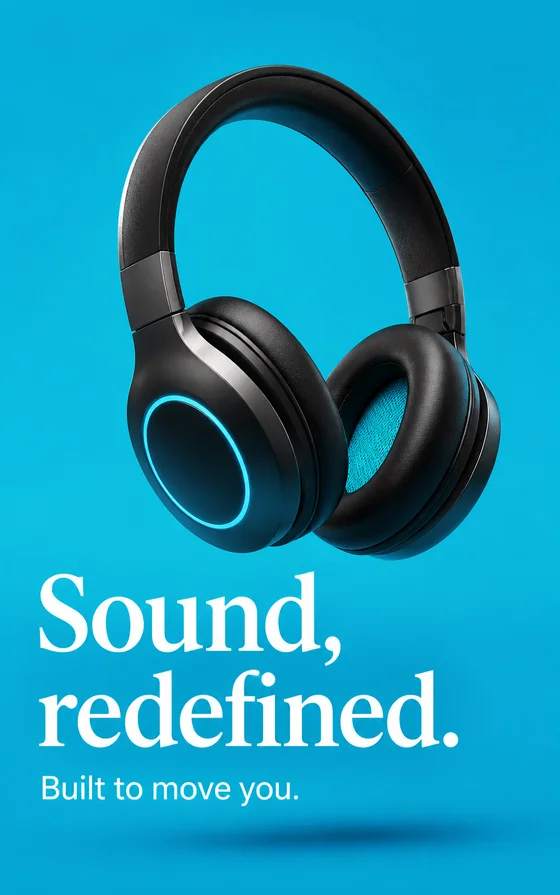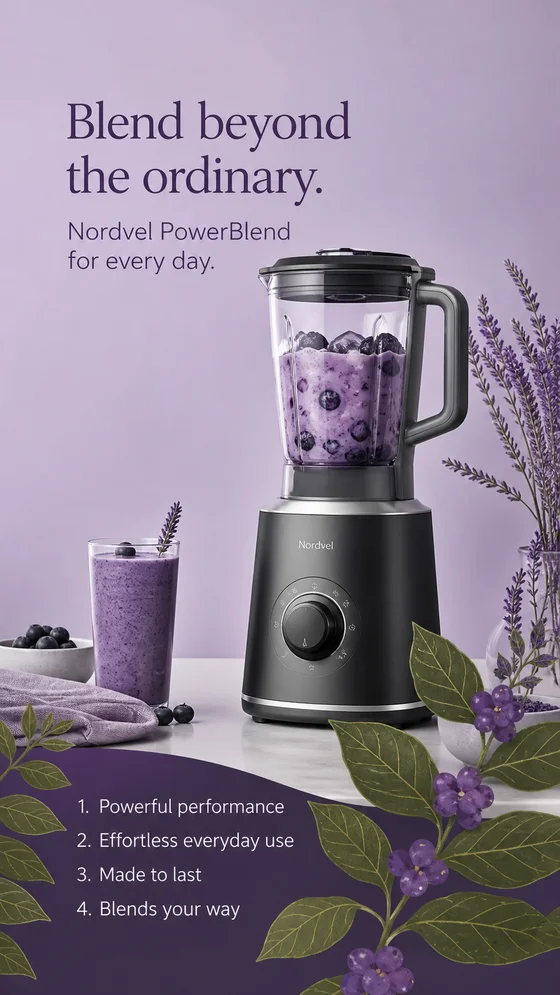
How AI ad creative generation actually works
An AI ad creative tool reads a text prompt and produces an image (or a short set of images) that matches it — no camera, no photoshoot, no design file. The model has effectively seen millions of product photos, ad layouts, and lighting setups, and it recombines what it's learned to match your description. That's genuinely useful for ad creative specifically, because ad creative doesn't need to be a single perfect asset — it needs to be many reasonably good variations you can put in front of an audience and let the data pick a winner. Where the workflow breaks down is when people bring a one-off mindset to it: one prompt, one image, one decision. Treat it instead as a production line — batches in, data out — and the rest of this guide is just the mechanics of running that line well. Tryatria was built around exactly that loop: you describe the creative you want, it generates a batch, you export the ratios you need, and the data from the resulting test tells you what to generate next. Nothing in this guide is specific to any one generator's interface — the workflow is the same whether you're using Tryatria or another AI ad creative tool — but having a concrete tool in mind makes each step easier to picture, so that's the example this guide uses throughout.
The 8-step workflow
1Write a one-sentence creative brief before you touch the tool
Before you write a single prompt, write one sentence: the product, the audience, and the angle. Something like "running shoes, for people training for their first 10K, angle is that the shoes make the first mile feel easier." This sentence is what turns a vague request into creative that has a point of view — without it, every prompt you write will drift, and every batch of results will feel disconnected from the last. Keep this sentence pinned somewhere visible while you work through the rest of the steps; it's the thing you'll check every output against. If you're working in Tryatria, this is also the sentence worth typing into the brief field before the first generation, since everything downstream — the prompt, the batch, the eventual creative — traces back to it.
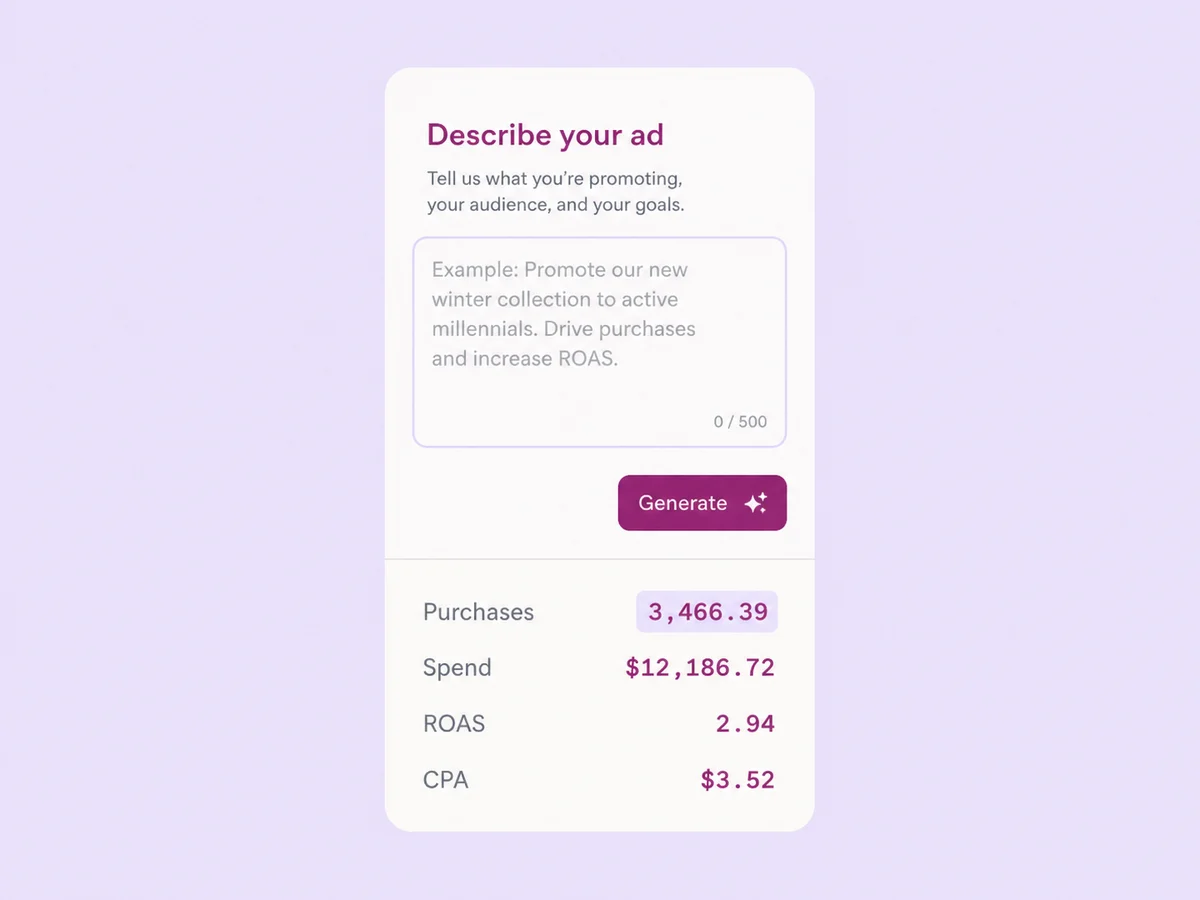
2Choose your starting point
You generally have three starting points: a real product photo you upload as a reference, a description of a scene with no reference image at all, or a UGC-style frame meant to look like it came from a phone camera. Product-photo references work best when the product itself is the selling point — a shoe, a bottle, a gadget. Blank-prompt scenes work best for lifestyle or emotional angles where the product is secondary to the moment. UGC-style frames work best when the ad needs to blend into a feed rather than announce itself as an ad. Pick the one that matches your one-line brief from step one, not whichever one you happen to have assets for.
3Write the prompt like a brief, not a search query
The single biggest quality difference between a flat result and a usable one is how the prompt is structured. A search-style prompt ("running shoes ad") gives the model almost nothing to work with, so it falls back to the most generic version of that idea. A brief-style prompt specifies the subject, the setting, the lighting, the mood, and the composition — for example: "a single running shoe mid-stride on a wet asphalt road at sunrise, shot low and close to the ground, cool blue light with a warm rim light on the shoe, shallow depth of field, energetic but calm mood." You don't need design vocabulary to write this well; you need to describe what you'd want a photographer to shoot if you were standing there directing them.
4Generate a batch, not a single image
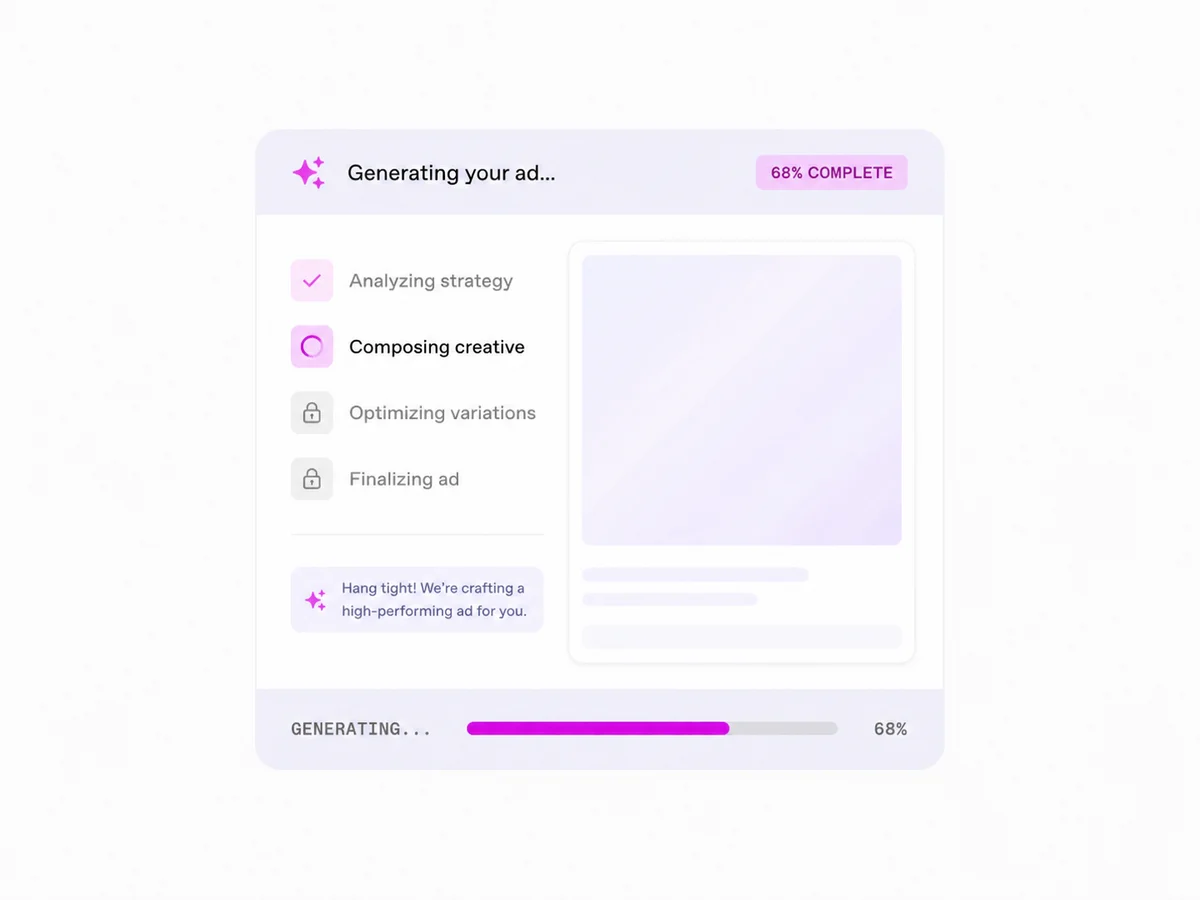
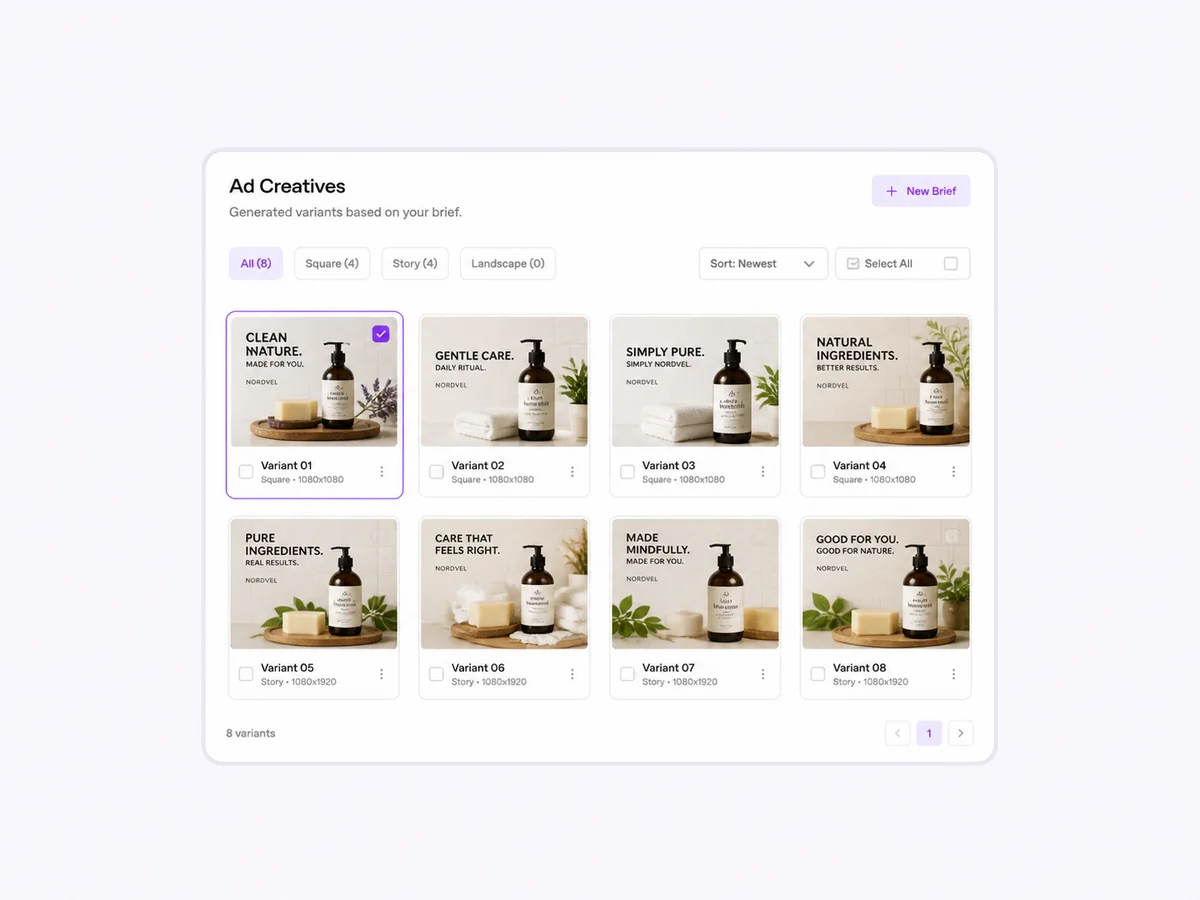
Generate six to ten variations from the same prompt before judging anything. AI outputs have real variance even from an identical prompt — some batches will have one clear standout and four throwaways, others will be more evenly good. If you only generate one image and judge the prompt by it, you're making a decision on a small, noisy sample. Look at the batch the way a media buyer looks at a set of test creative: which two or three would you actually be comfortable spending money behind, and what do they have in common that the weaker ones don't? Tryatria generates a full batch from a single brief for exactly this reason — the point isn't to pick the first result, it's to give you enough data points to spot a pattern.
5Iterate by changing one thing at a time
Once you have a batch you like, resist the urge to rewrite the whole prompt to fix the parts you don't. Change one variable — the lighting, the camera angle, the background, the model's expression — and regenerate. If you change five things at once and the new batch is better, you won't know which change actually mattered, and you'll lose the ability to repeat it deliberately on the next product. This is slower in the moment and much faster over a month of campaigns, because you build a mental model of what each variable does instead of relearning it every time. Keep a short note of what you changed alongside each regenerated batch — it turns a one-off improvement into a repeatable adjustment you can reach for on the next brief.
6Add on-image text and offer callouts
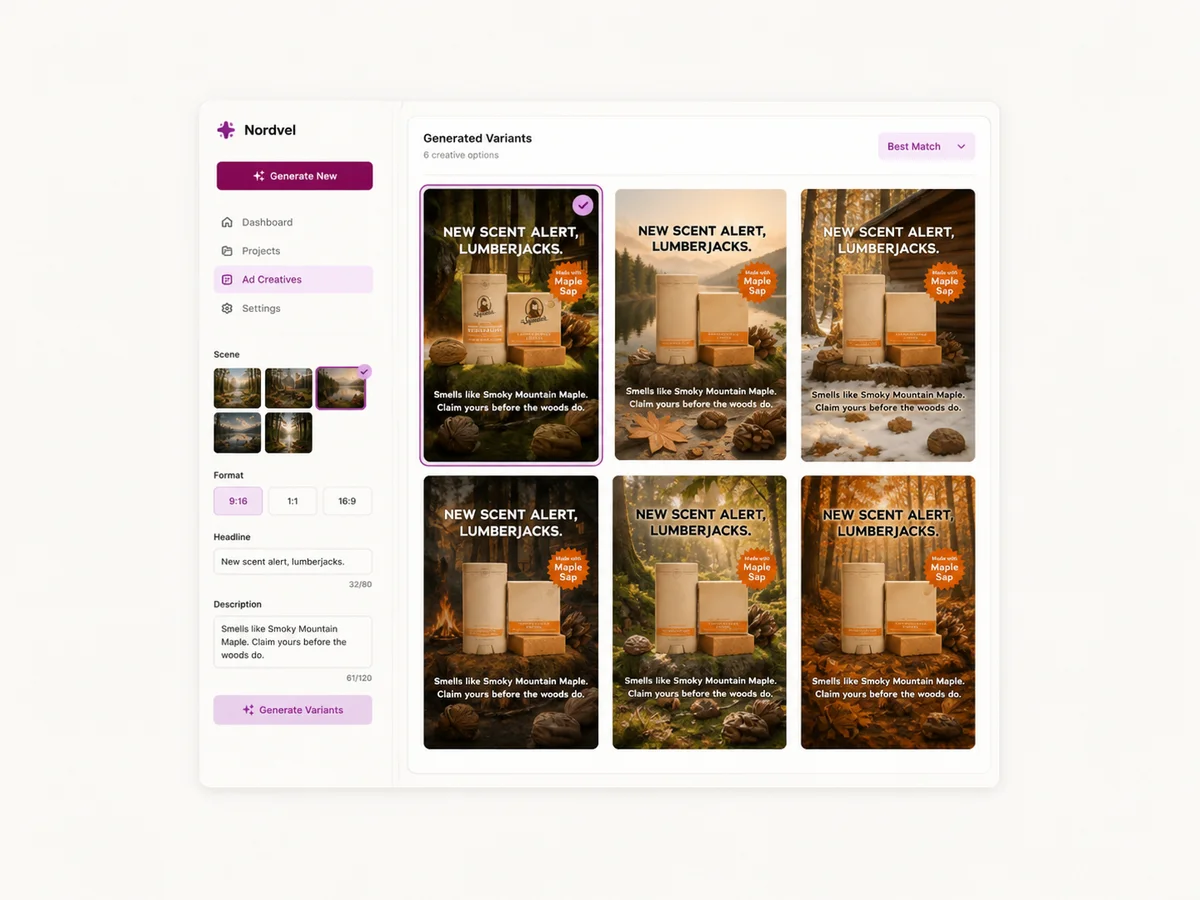
A striking image with no message rarely performs as well as the same image with a short, legible callout: a price, a guarantee, a benefit, a countdown. Keep on-image text short enough to read in under a second and placed where it won't collide with platform UI — comment counts, captions, and buttons all sit in predictable places on Meta and TikTok, so leave that space clean. If the tool supports generating text directly in the image, treat the first attempt as a draft; AI-rendered text still needs a proofread pass before anything ships. Generate the callout in a couple of different positions within the same batch rather than committing to one placement up front — where the text sits often turns out to matter as much as what it says.
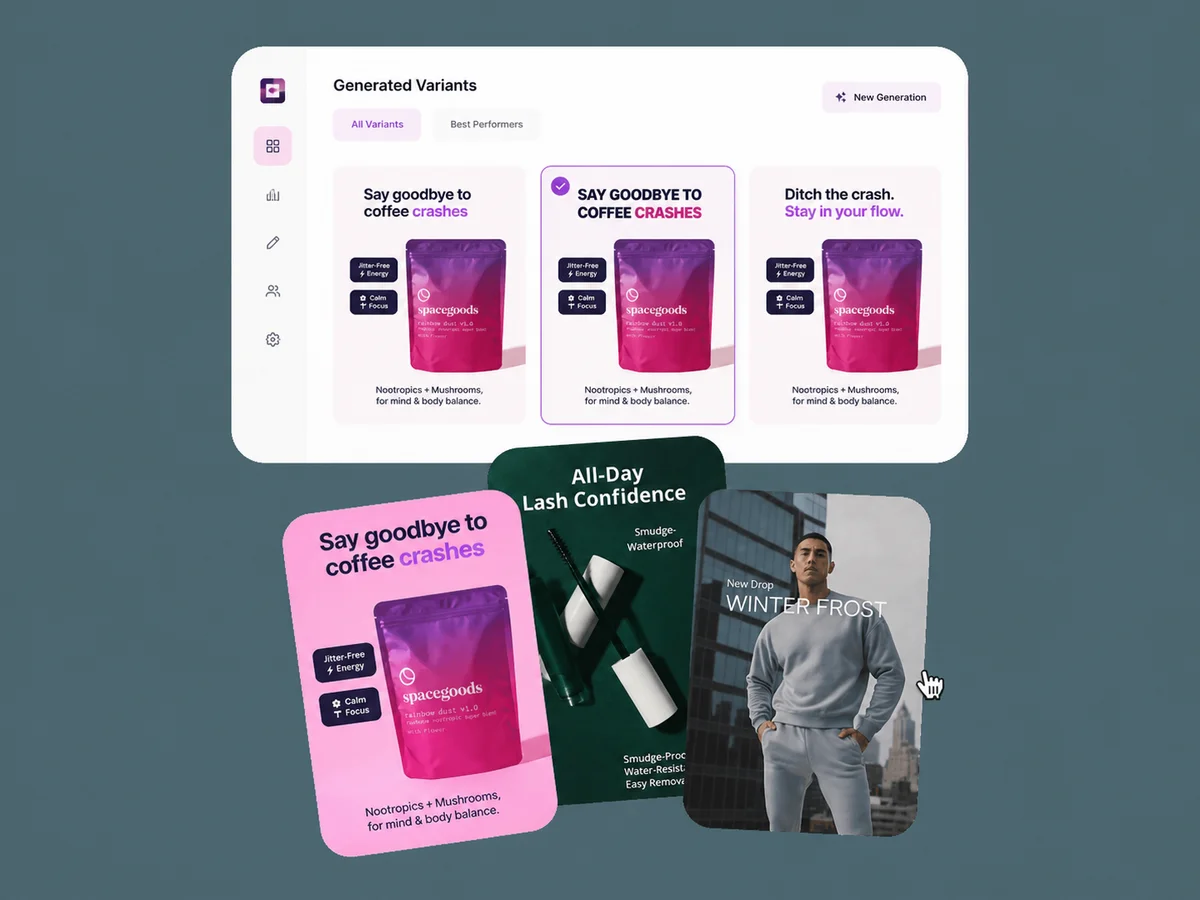
7Export every aspect ratio your placements need
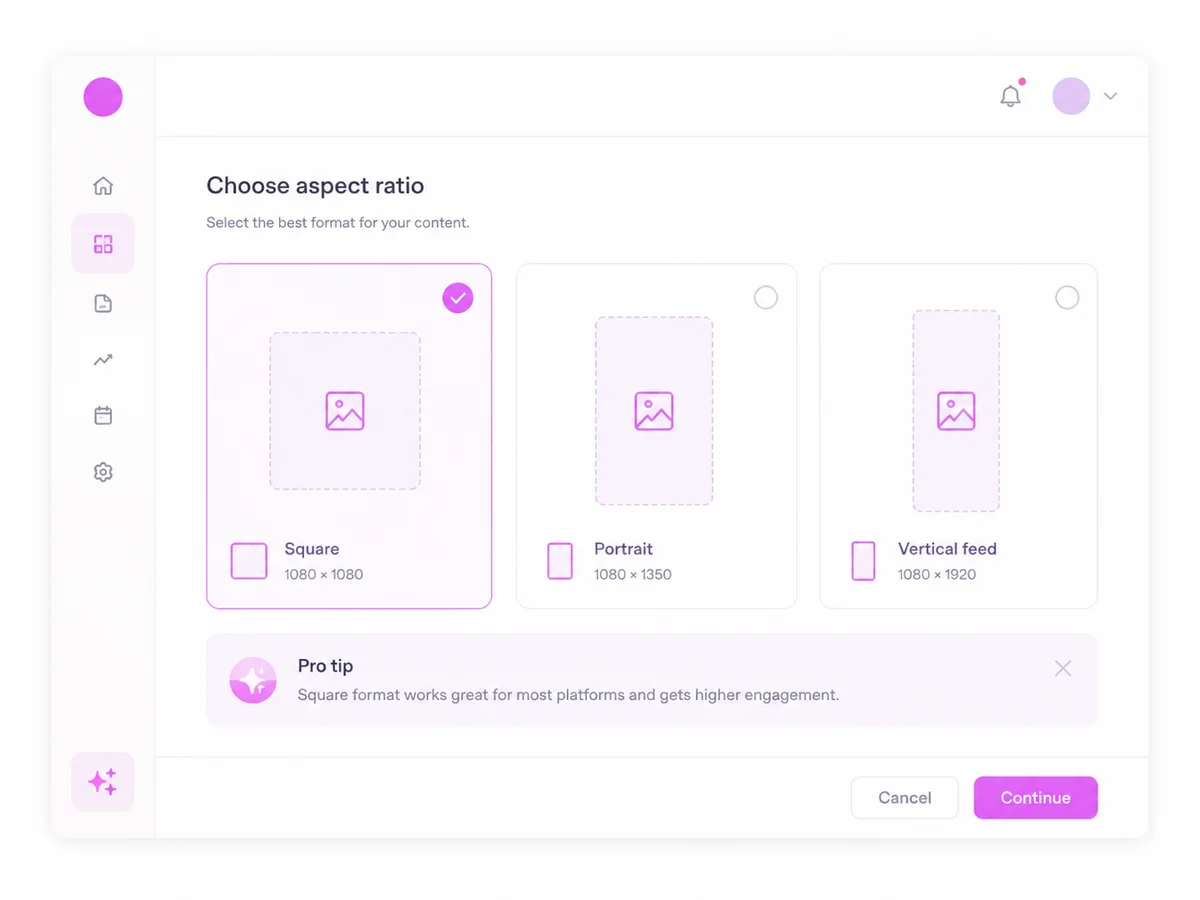
A single 1:1 image doesn't cover a modern placement mix. Meta feed typically wants 1:1 or 4:5, Stories and Reels want 9:16, and TikTok is 9:16 across almost every placement. Cropping a 1:1 image down to 9:16 after the fact usually cuts off the exact detail you generated the image around — the shoe's toe box, the product label, the model's face. It's faster and better to regenerate or reframe the prompt for each ratio you actually need than to crop your way there after the fact.
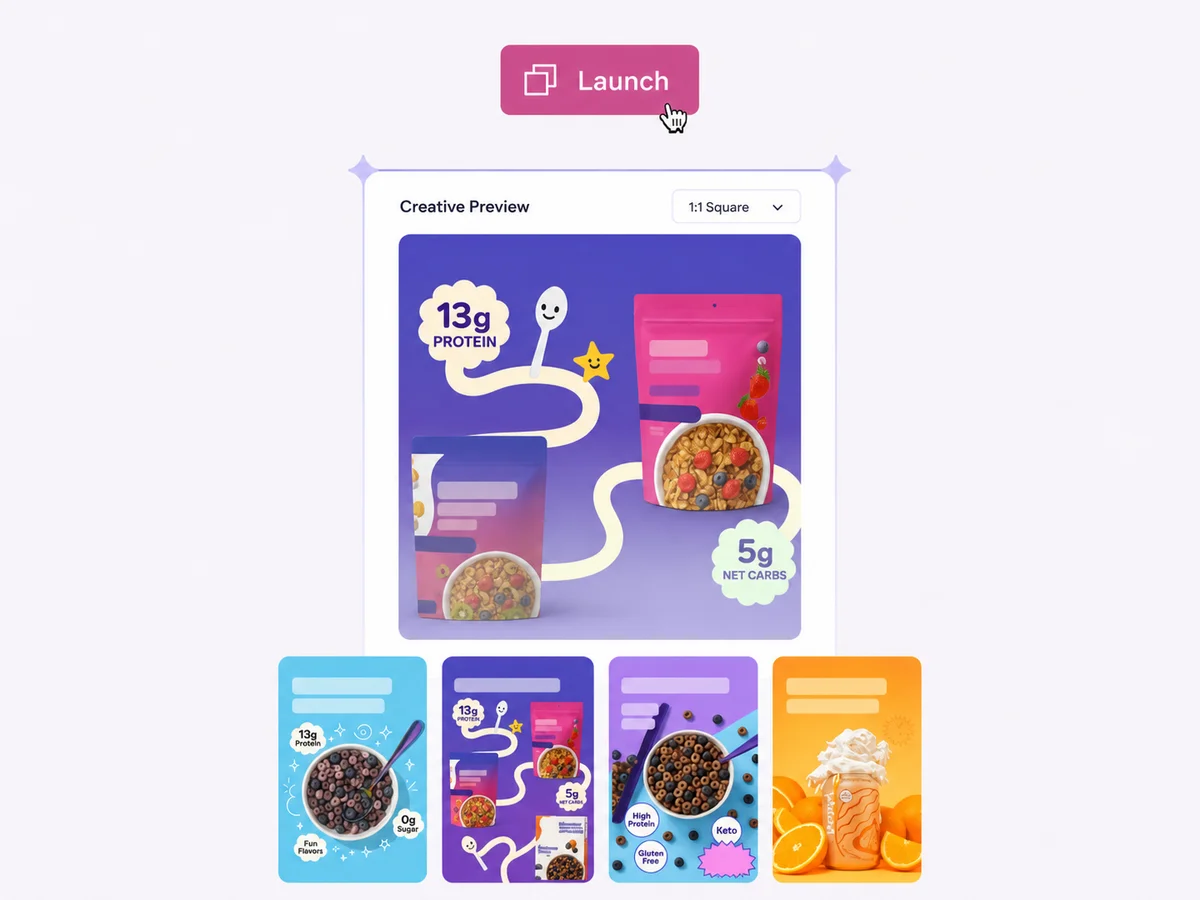
8Set up the test before you launch
Before any creative goes live, write down what you're actually testing: is it the angle, the hook, the on-image text, or the background? Launch two or three variants against that single question, not five variants against five different questions, or you won't be able to attribute the winner to anything specific. Give the test enough spend and time to reach a real read on the data — a few hundred impressions per variant tells you almost nothing — and log the result somewhere you'll actually look at again, so the next batch of creative starts from what you already learned instead of from zero.
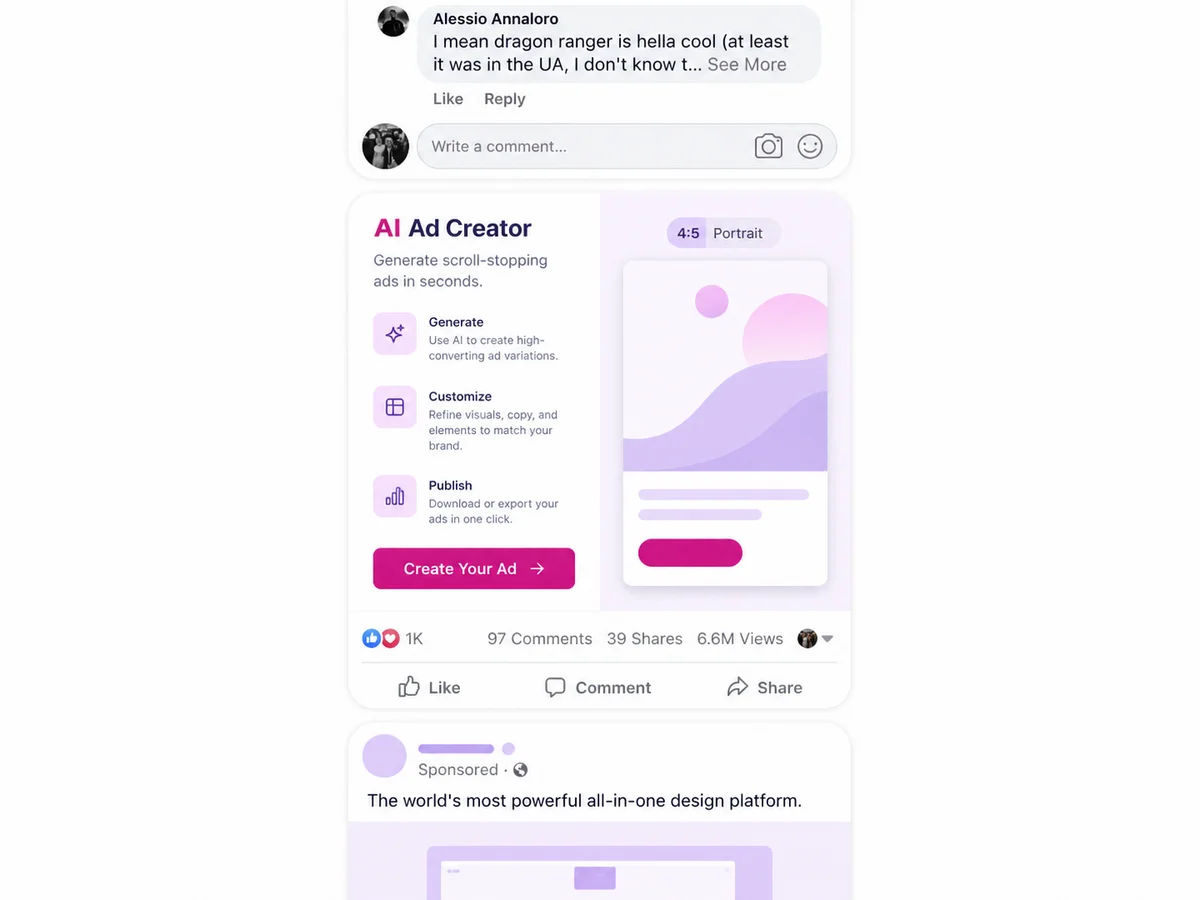
AI vs. the other ways to make ad creative
AI-generated creative isn't the only way to produce ad images, and it isn't automatically the right one for every situation. Here's how a tool like Tryatria actually compares to the three other common approaches teams use to make ad creative, on the things that matter most when you're trying to ship and test creative on a schedule.
| Capability | AI-generated creative | Manual design | Stock ad templates | Hiring a designer |
|---|---|---|---|---|
| Best for | Fast iteration and high creative volume | Full control over a small number of hero assets | Getting something live in minutes on no budget | Polished, brand-specific campaigns with lead time |
| Speed | ||||
| First draft in under a minute | Yes | No | Yes | No |
| Ten variants finished before lunch | Yes | No | No | No |
| Cost | ||||
| Free to try before committing budget | Yes | No | No | No |
| Cost stays flat as volume goes up | Yes | No | No | No |
| Iteration | ||||
| Change one word, get new creative | Yes | No | No | No |
| Every output is genuinely unique | Yes | Yes | No | Yes |
| Skill needed | ||||
| Works without design software | Yes | No | No | Yes |
| Plain-English prompts only, no design skill | Yes | No | No | No |
Common mistakes to avoid
Judging a prompt by its first image
One image tells you almost nothing about whether a prompt is good — the variance between outputs from the same prompt can be as large as the variance between two different prompts. Always look at a full batch before deciding a direction didn't work, and treat a single disappointing result as a data point rather than a verdict.
Writing prompts like search queries
"Sneaker ad" and "a single running sneaker mid-stride on wet asphalt at sunrise, low angle, cool blue light" will produce completely different quality tiers of output. If the prompt reads like something you'd type into a search bar, rewrite it as a description of a shot before you generate anything.
Skipping the plain, unglamorous control
It's tempting to only generate the most stylized, ambitious version of an idea. Always generate a plain, simple version alongside it — plain product-on-background creative frequently outperforms the polished version in a real test, and you won't know unless it's in the mix. Let the data from the test settle the argument, not your own sense of which one looks better.
Leaving aspect ratios until export time
Generating everything at 1:1 and cropping down to 9:16 later almost always cuts off the detail the image was built around. Decide which placements you need before you generate, not after, so every ratio you export still looks like a deliberate shot rather than a crop of one.
Testing too many variables in one batch
Launching five variants that each change the angle, the hook, the background, and the on-image text at once means a winner tells you almost nothing about why it won. Isolate one variable per test so the resulting data is actually usable the next time you sit down to write a prompt.
Is AI ad creative right for your team?
AI ad creative earns its place in the workflow the moment you need more than one or two hero assets — once you're testing angles, refreshing creative on a schedule, or covering five aspect ratios for one campaign, the speed advantage compounds fast. It's not a replacement for a designer on a flagship brand campaign that needs a specific, hand-crafted look; it's a replacement for the blank page and the two-week turnaround on everyday performance creative. Tryatria's generator follows exactly the workflow in this guide — brief in, batch out, export every ratio — so the fastest way to see whether it fits your process is to run one real prompt through it and look at what the resulting batch and the data from the first test actually tell you.